
Uploading a Local Project to GitHub
Machine-translated (anthropic, claude-haiku-5-5) from the Chinese original. Read the original in 中文
Contents
Preface
Today I'll show you how to upload a local repository to GitHub. It's very easy! Everyone already knows how to install Git, so I won't go into that~
Steps
Step 1
First, we need to create a local repository (which is really just a folder).
You can simply right-click and create a new folder, or right-click to open the Git Bash command line window and create it with commands.
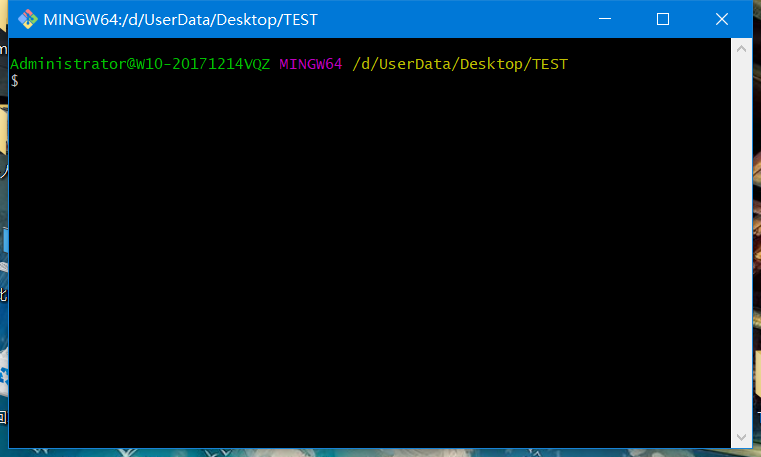
Now I'll use the command line to create a TEST folder on the desktop (you can create this folder anywhere else too), and enter this folder.
Step 2

Use the command git init to turn this folder into a repository that Git can manage.

Now you'll notice a .git folder inside TEST. This is what Git uses to track and manage the repository. If you can't see it, it's because it is hidden by default, so you'll need to set hidden files to be visible.
Step 3
Create an SSH key locally
ssh-keygen -t rsa -C "[email protected]"Replace [email protected] below with your email address. [email protected] is my email, which is also the email I registered with on GitHub:
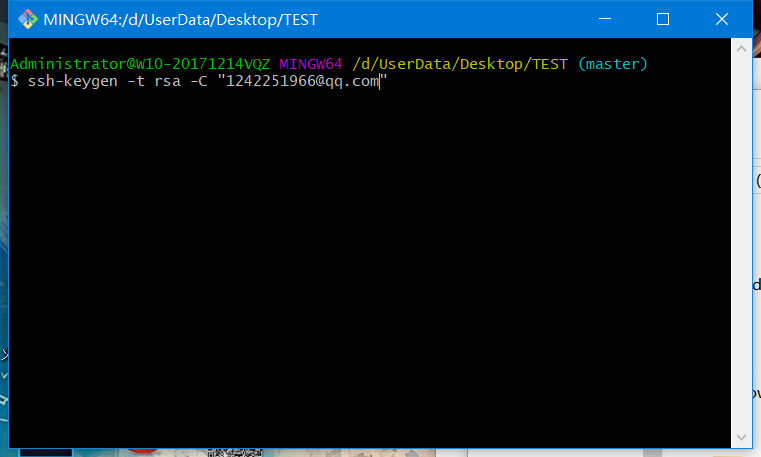
Just press Enter, which means the SSH key will be generated in the default file id_rsa.
The system will then ask for a passphrase. Just press Enter directly to indicate no password.
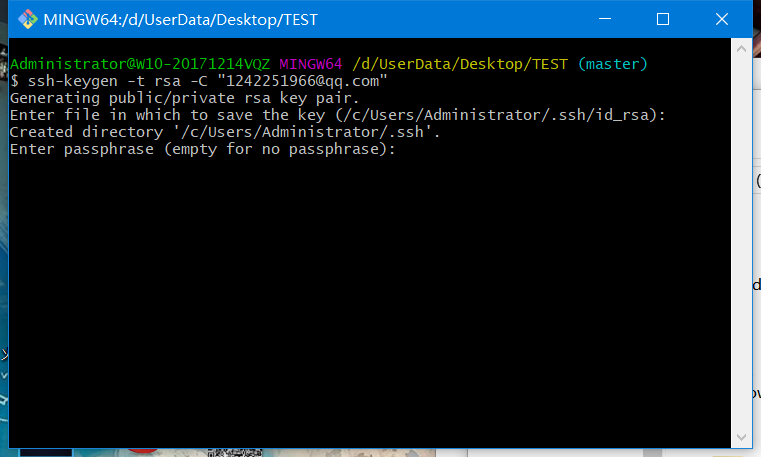
When asked to repeat the passphrase, press Enter again. You'll then be told that the SSH key has been generated successfully.
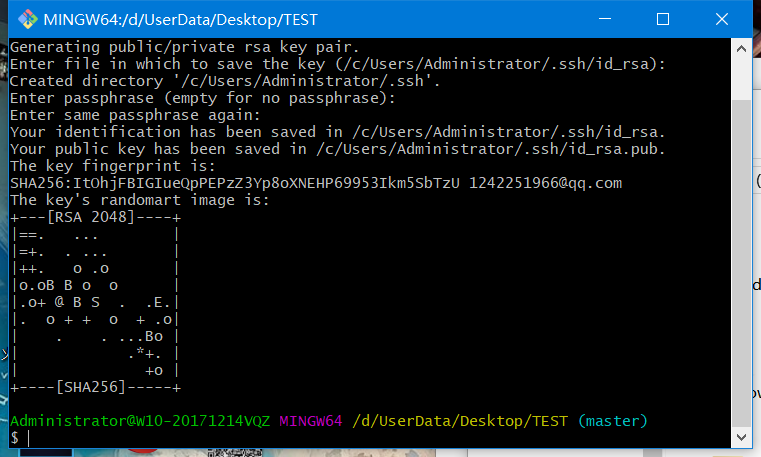
Next, go to the address shown in the prompt to view the SSH key files. On my computer the address is C:\Users\Administrator.ssh, where Administrator is the computer's username.

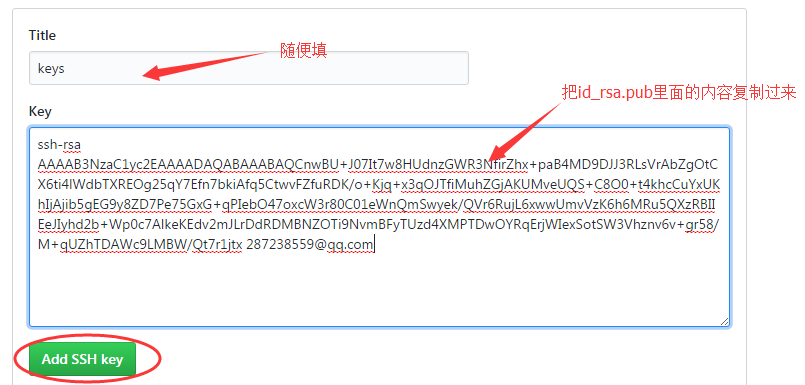
Open id_rsa.pub and copy the key inside. The key is a string of seemingly unreadable characters and digits, so don't worry about it; just copy it.
Open the GitHub website, go to Account Settings, select SSH Keys on the left, and click Add SSH Key.

Fill in the title however you like, and paste the key.
To verify that it worked, enter the following in Git Bash:
ssh -T [email protected]Step 4
- Now you can paste your project into this local Git repository.
- Then use
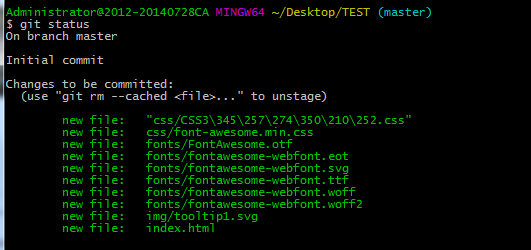
git add .to add all the files in this directory to the repository. - Throughout this process, you can keep using
git statusto check your current status.
Step 5
Add the remote repository address
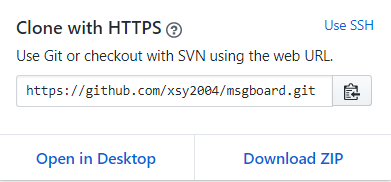
git remote add origin https://github.com/yourName/yourRepo.gityourName and yourRepo below stand for your GitHub username and the name of the repository you want to upload to.
Next, add a README file to the local repository.
git add README  //添加readme文件
git commit -m "first commit"  //first commit是github上显示的注释
Then run git push -u origin master to push to the repository.
Since the newly created remote repository is empty, you must add the -u parameter!
Once the remote repository has content, the next time you upload content from the local repository you only need the following:
git push origin master
Tip:
The git push command pushes the local repository to the remote server.
The git pull command does the opposite.
Finally, our project is now on GitHub!
Comments